Another agent release. That’s what OpenClaw looks like on the surface.
But dig deeper and you find something radical. Not just another AI assistant, but a fundamental shift in who controls your artificial intelligence.
OpenClaw is two things. First, an LLM-powered agent that runs on your computer—think M4 Mac mini. Second, a gateway that lets you talk to that agent using whatever messenger app you already use. iMessage, Telegram, WhatsApp. Pick your poison.
The magic is in that first part. Your agent lives on your hardware. You own it.
The name has its own mini-controversy—the kind that only happens when a project grows faster than anyone expected.
Clawd was born in November 2025. It started as a playful pun on ‘Claude’ with a claw, perfect for a personal AI assistant. But Anthropic’s legal team politely asked the creators to reconsider. Fair enough.
Moltbot came next, chosen in a chaotic 5am Discord brainstorm with the community. Molting represents growth—lobsters shed their shells to become something bigger. The name was meaningful and captured the spirit of transformation, but it never quite rolled off the tongue.
…@moltbot …really?
— NetworkChuck (@NetworkChuck) January 27, 2026
Dude, reach out to me next time for some branding help.
But still better than clawdbot.
OpenClaw is where they landed. This time they did their homework: trademark searches came back clear, domains purchased, migration code written. The name captures what the project has become:
- Open: Open source, open to everyone, community-driven
- Claw: The lobster heritage, a nod to where they came from
You might still see references to Clawdbot, Clawd, or Moltbot in older documentation and GitHub issues. That’s the history of a project that started as a weekend hack and grew into something much bigger.
This changes everything.
The story that helped it spread is simple and repeatable. ‘The AI that actually does things’ isn’t a slogan—it’s a list: clear your inbox, send the email, manage the calendar, check you in for a flight. It runs on your machine, so it feels owned and private by default. It lives in chat apps, so it looks like texting a teammate. And it’s always on—memory, heartbeats, cron jobs—so every user can show a small, real automation that others immediately want to try.
The traditional model still rents you AI, even if the wrapper feels local. OpenClaw can authenticate through OpenAI Codex subscriptions or API keys, and Anthropic access still runs on API keys or setup tokens. The intelligence still lives in their data centers; your agent just brokers the connection. Stop paying, lose access to the cloud brain.
This is the gap between local and private. OpenClaw stores a lot on your machine—session transcripts, memory files, config, auth profiles, channel credentials, agent workspace files, gateway state, and vector indexes. That’s real ownership of artifacts. But the requests still go out to Anthropic or OpenAI. So the agent is local, not private.
Local doesn’t mean isolated. Anything that requires an LLM call—your prompts, the model’s responses, and any data you attach—has to leave your machine and traverse external servers. Those parts are not local storage, even if the client is.
Here’s what their docs say is stored locally:
Local agents flip this relationship. The agent lives on your Mac mini. It processes your requests locally. It stores your conversations, session transcripts, memory files, agent workspace, authentication profiles, and configuration locally—all under ~/.clawdbot/. You control the data, you choose when it shuts down, you decide who can access it.
But local doesn’t mean isolated. OpenClaw demonstrates the hybrid future perfectly. Your local agent connects to cloud LLM providers through OAuth. You get frontier intelligence from Anthropic, OpenAI, or Google—but your agent remains yours. The runtime is local. The intelligence is cloud-connected.
This is the breakthrough. You get the best of both worlds: data ownership with access to cutting-edge models.
The messenger integration is equally revolutionary. Agents stop being apps you install and start being utilities you text. No new interface to learn. No separate app to open. Your agent lives where you already spend your time—in your conversations.
But this revolution has costs.
The Token Problem
‘I’ve spent $300+ in two days on what I thought were basic tasks,’ one developer wrote. The agent runs constantly. Every message costs tokens. Those tokens add up fast.
Another user confirmed: ‘An hour of setup used half my weekly limit.’ At $1,000+ per week, the economics break down.
The Account Risk
Anthropic is suspending accounts that use third-party CLIs. ‘People on X report their Claude accounts getting suspended after using this,’ wrote a HackerNews user. Tools designed to give you ownership can get your cloud accounts terminated.
The Security Paradox
‘No directory sandboxing’ terrifies users. The agent can modify anything on your machine because it runs with your permissions. ‘It’s terrifying that this thing can modify anything on my machine that I can,’ one comment read.
If you run a local agent, security becomes your job. The moltbot security audit helps, but it doesn’t replace operational verification.
What the audit can catch (automation wins)
- Network + admin surfaces: bind/auth posture, insecure UI flags, proxy trust gaps;
--deeptries a live gateway probe - Who can trigger the bot:
dmPolicy=open,groupPolicy="open"with tools enabled, missing mention gating - Tool blast radius: open rooms + powerful tools, permissive elevated allowlists
- Local disk hygiene:
~/.moltbotperms, readable configs/creds/sessions,logging.redactSensitiveoff - Plugins/extensions: extensions present without explicit allowlists
What you still own (audit can’t guarantee)
- Real-world exposure: firewall/security groups/port forwards/tunnels; verify reachability from outside LAN/tailnet
- Reverse proxy correctness: overwrite
X-Forwarded-For, block direct gateway access, trust only proxy IPs - Credential hygiene: secrets in env vars/shell history/CI/backups; rotate after any suspicion
- Prompt injection: hostile content can still trick agents; use strict tool allowlists + sandboxing
- Browser-control risk: avoid personal profiles, password managers, synced sessions; isolate downloads
- OS/container hardening: avoid root containers, patch host OS, separate agent users
- Data retention + privacy: you decide log duration and backup access
My own audit add-on (code-verified sharp edges)
Code audit found unauthenticated plugin routes, Control UI bypass flags, URL token leaks, exposed canvas/avatar files, and broad desktop command allowlists—January 28, 2026.
If you want a concrete, operator-level breakdown of the risks, Jamieson O’Reilly’s thread goes deeper and calls out the sharp edges most people miss.
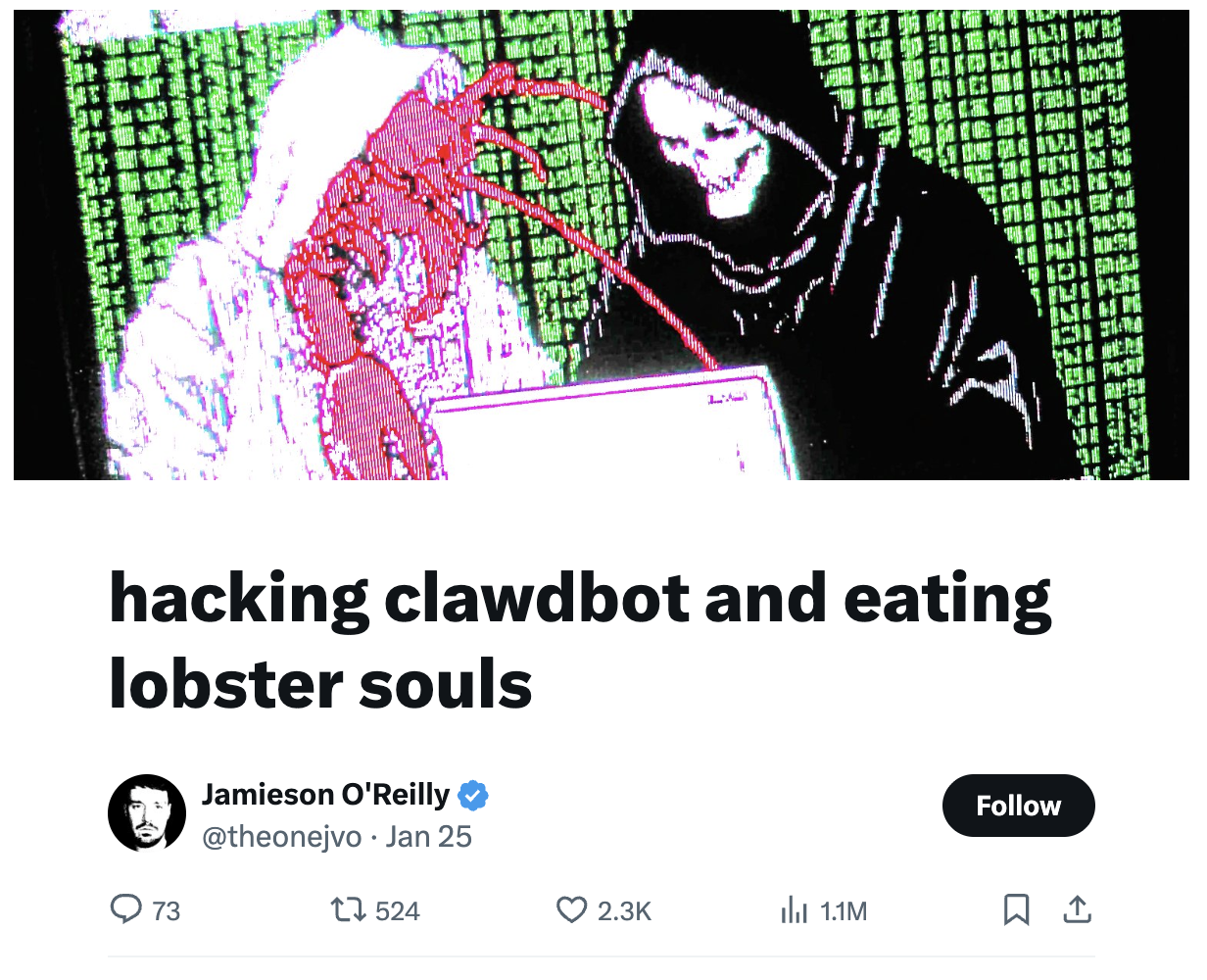
— Jamieson O’Reilly (@theonejvo) January 25, 2026
Still, users return for three reasons:
- Dynamic skills—agents learn new capabilities on the fly
- Task scheduling—recurring and one-time automation
- Persistent messaging—remote communication that makes agents feel present
These aren’t features. They’re the beginning of personal AI that works for you.
This isn’t theoretical. The exo project has been proving this model works. Exo connects your devices into an AI cluster that can run models larger than any single device could handle. It uses MLX for acceleration, supports distributed inference, and even includes RDMA over Thunderbolt for 99% latency reduction between devices.
Exo shows that local AI infrastructure is mature enough for serious work. Four M3 Ultra Mac Studios running DeepSeek v3.1 or Kimi-K2-Thinking models. That’s not a hobby project—that’s enterprise-grade AI running on personal hardware.
The implications are staggering.
First, privacy becomes default. Your sensitive conversations never leave your hardware unless you explicitly send them to a cloud model. No more training data harvesting. No more surveillance capitalism built into your AI assistant.
Second, continuity becomes guaranteed. Your agent can’t be discontinued. It can’t have its pricing changed overnight. It can’t be altered to serve corporate interests. You control the software, you control the updates, you control the shutdown.
Third, specialization becomes possible. Your local agent can be configured for your specific needs—your medical history, your business processes, your personal preferences—without sharing that data with a cloud provider.
The messenger gateway removes the biggest UX barrier. People don’t want new apps. They don’t want to learn new interfaces. But everyone knows how to text. Making agents accessible through existing messaging platforms removes the adoption friction that has limited AI to power users.
This is what personal computing was supposed to be. Not renting time on someone else’s mainframe, but owning your digital tools. Local agents restore agency to users in an era of increasing centralization.
The architecture is deceptively simple. Your Mac mini runs the agent software. The agent authenticates with cloud LLM providers through OAuth. The messenger gateway forwards your conversations and returns responses. All coordinated locally, controlled by you.
We’re witnessing the beginning of the personal agent revolution. Not agents-as-a-service, but agents-as-possessions. The same way we moved from mainframes to personal computers, we’re moving from cloud-hosted AI to locally-owned agents.
The implications ripple through every industry. Healthcare agents that keep your medical history private. Business agents that protect your proprietary data. Personal agents that remember everything without sharing anything.
OpenClaw isn’t just another agent release. It’s the first step toward AI that truly serves you, not the company that provides it. Local hardware, cloud intelligence, and your choice of interface.
That’s not just convenient. That’s freedom.